


Bead Pattern Maker
OriginalBead pattern

See it first, then make it bead by bead

Perler BeadPattern Maker: Image to Beads

Upload an image to create a clear bead grid, matched colors, and material counts. Preview the result first, then enjoy building it one bead at a time.

Upload an image

Images stay in your browser · Start without signing up

No image selected

Waiting for an image

Pattern examples

Drag each example to see the original become a bead pattern.

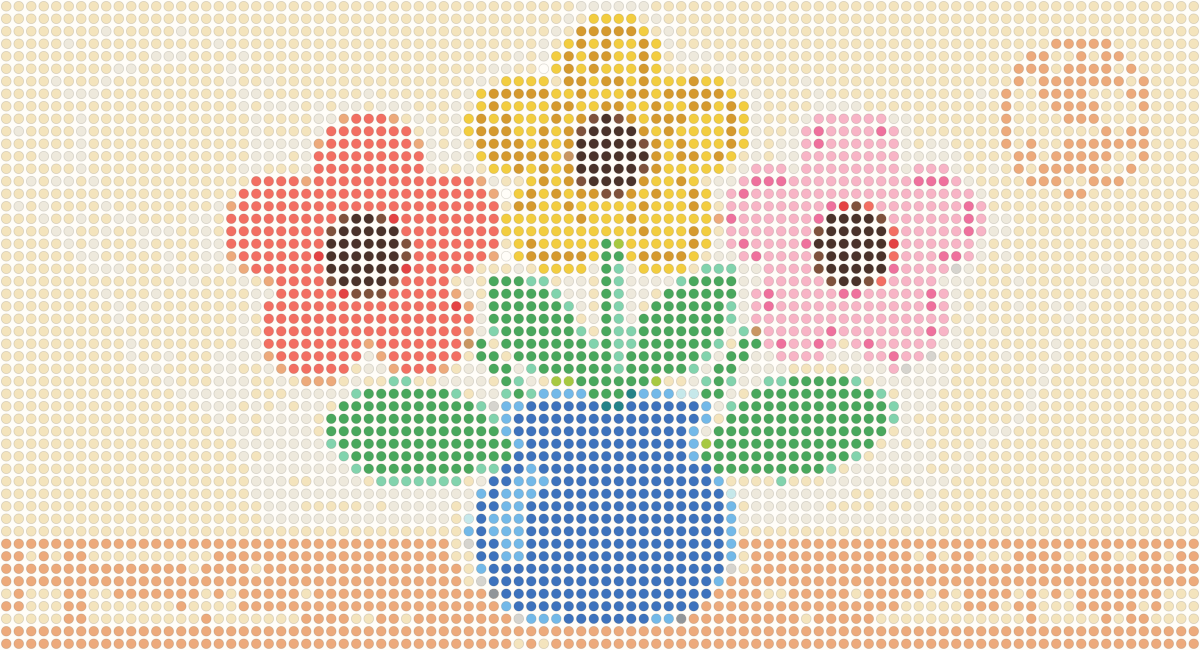
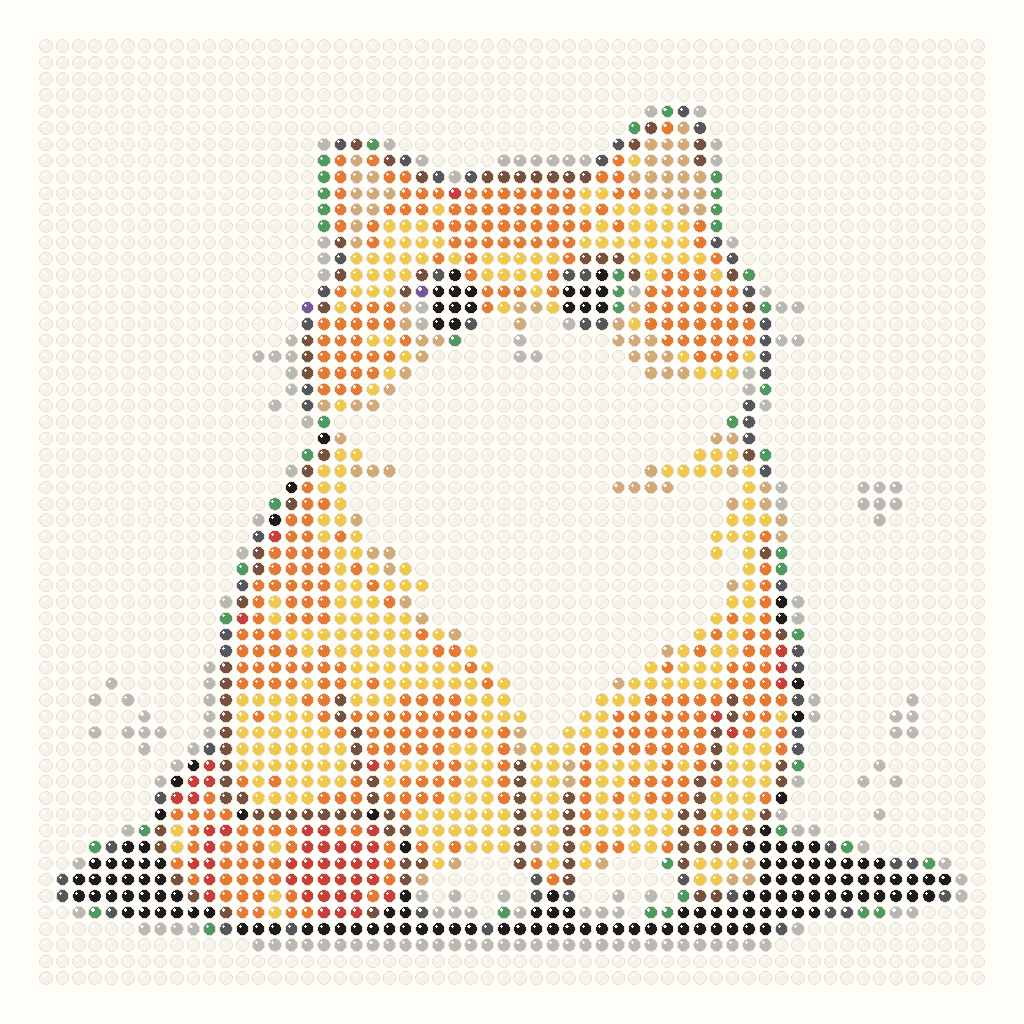
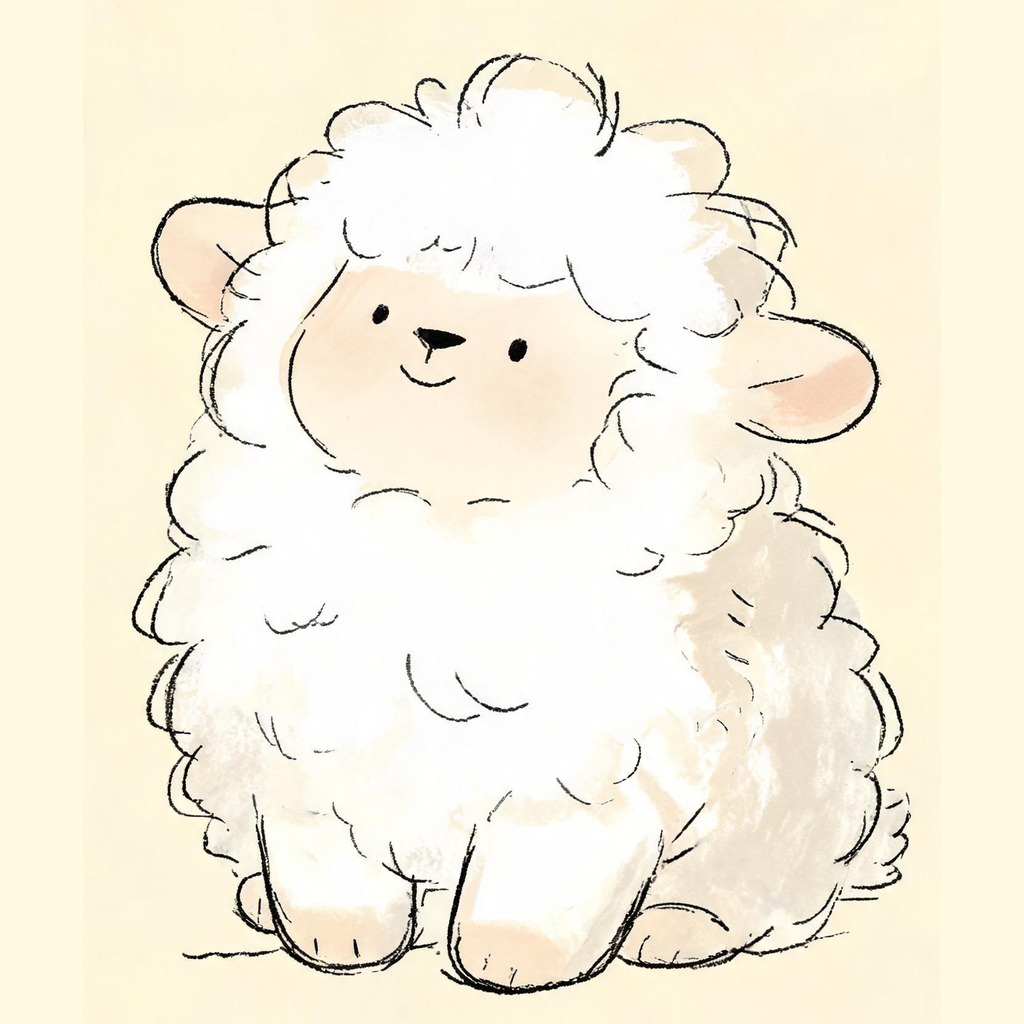
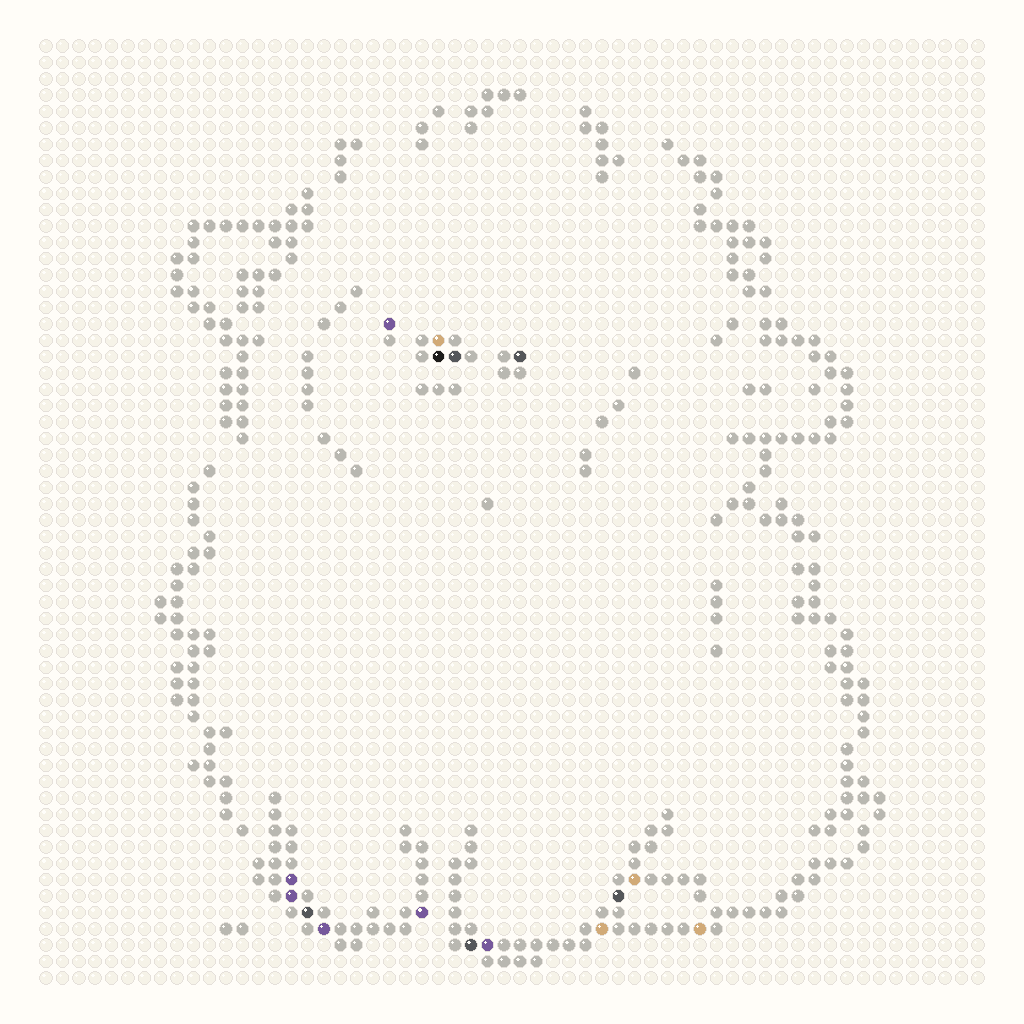
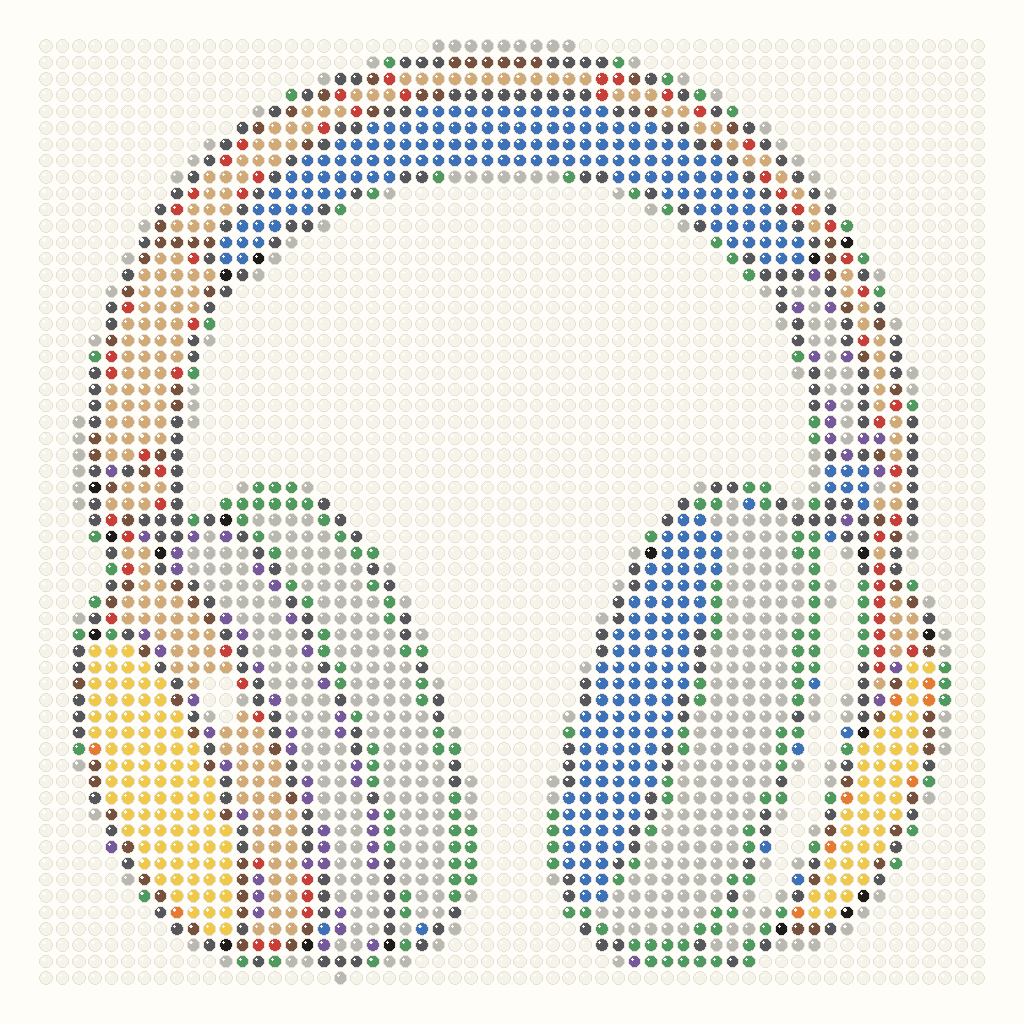
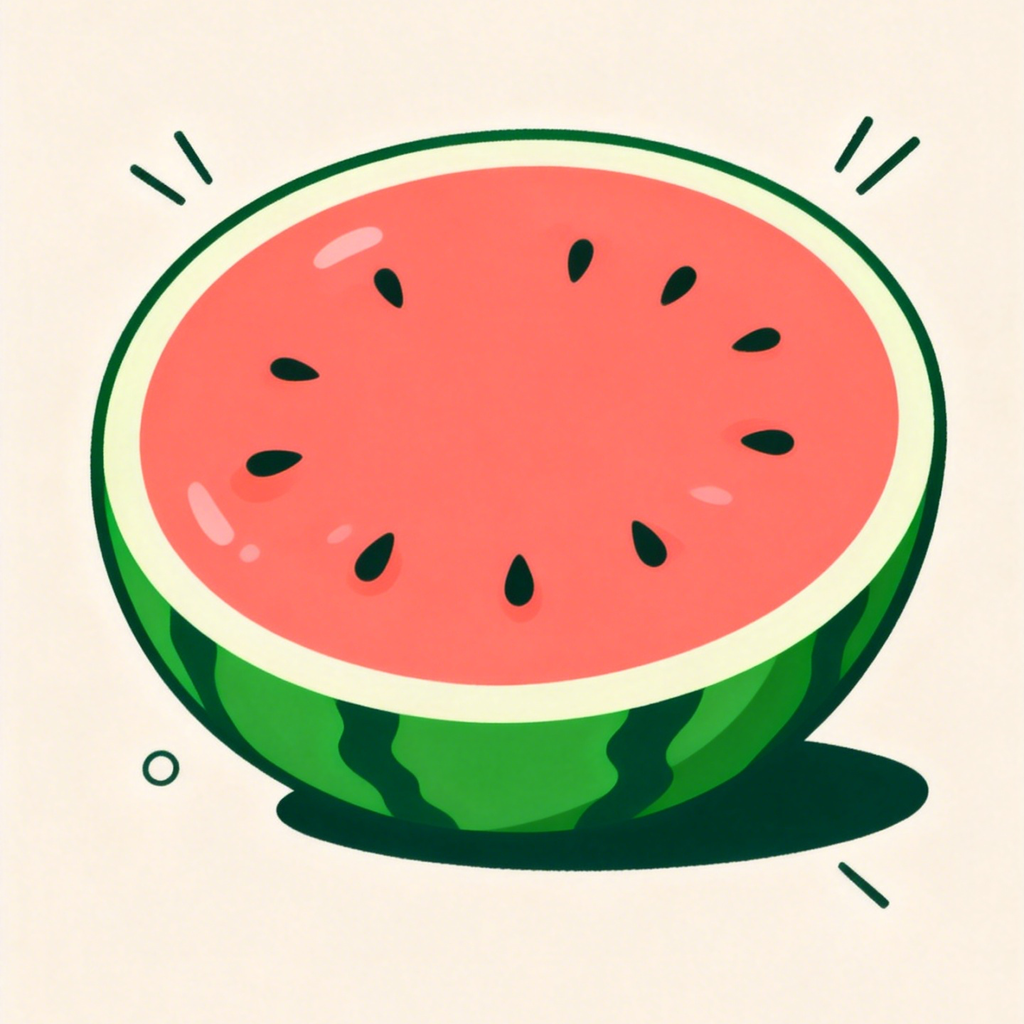
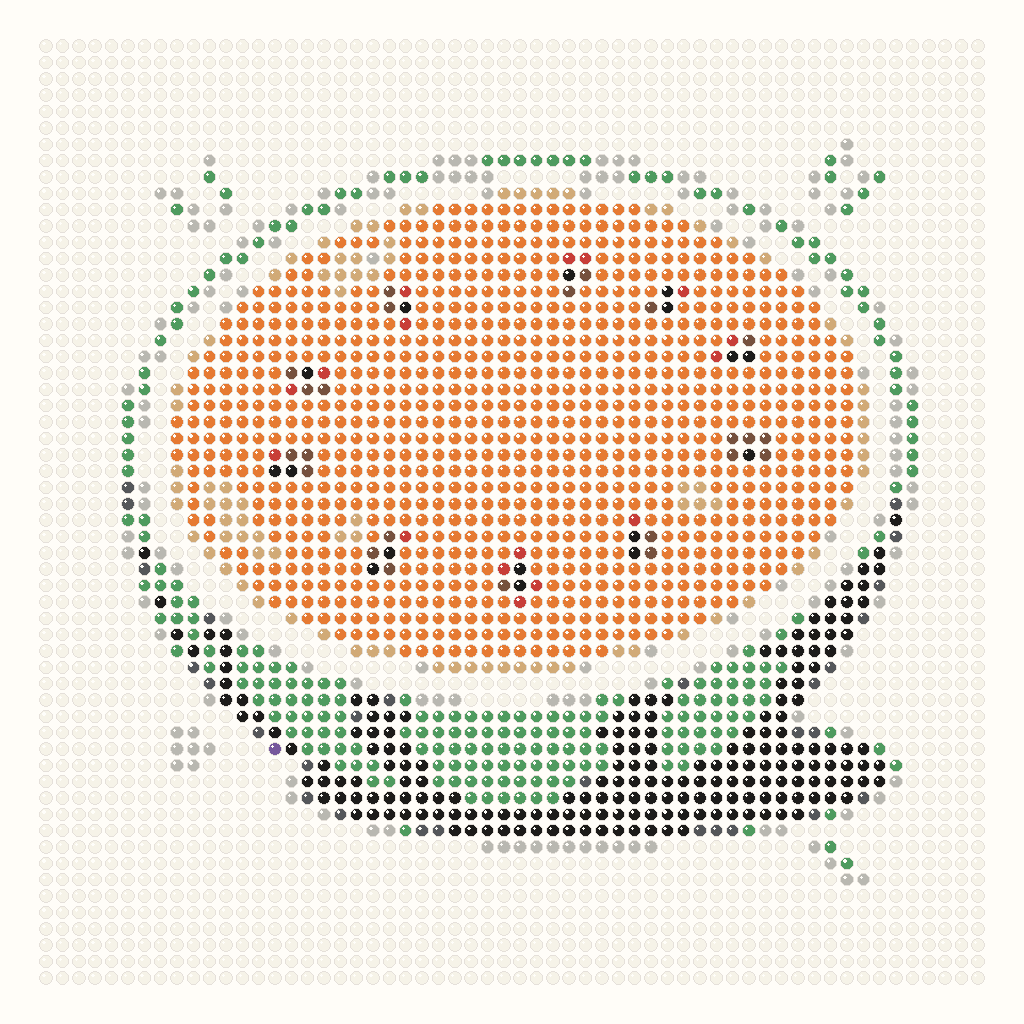
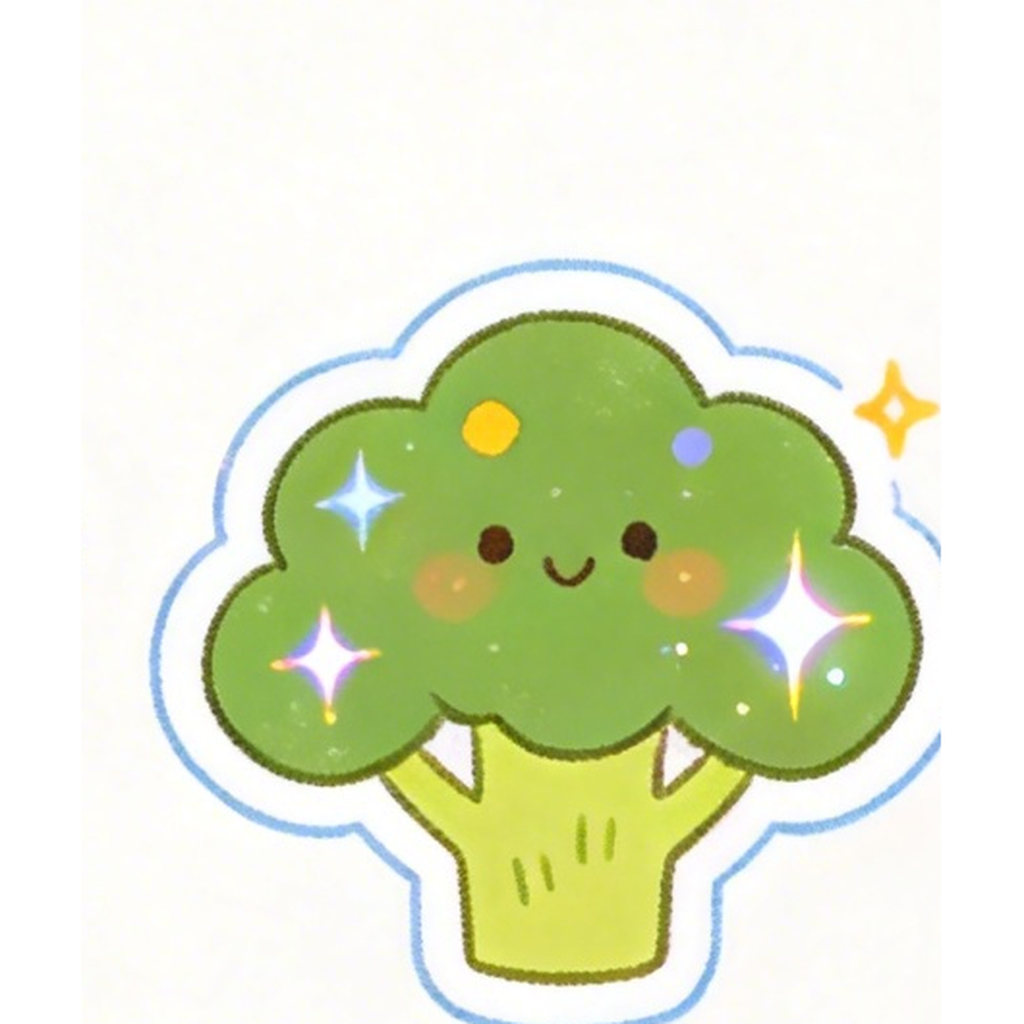
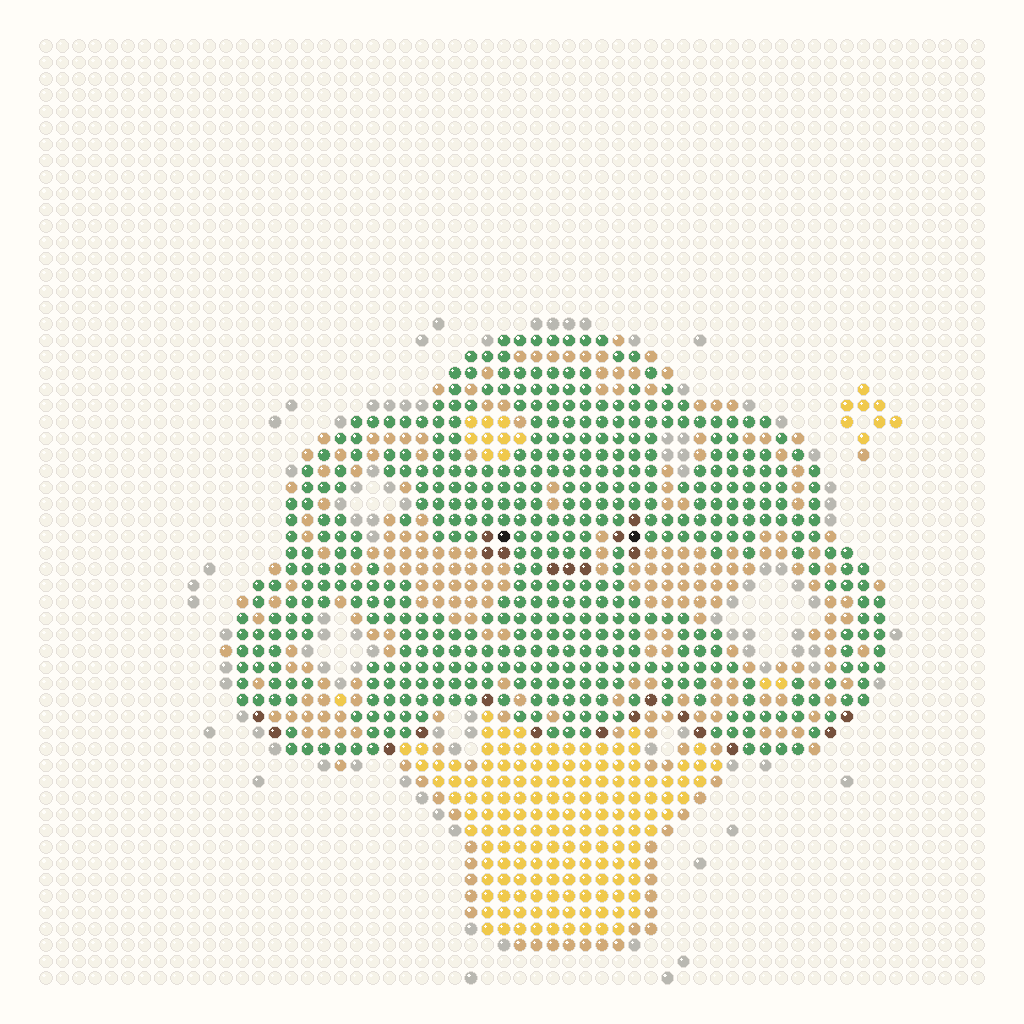
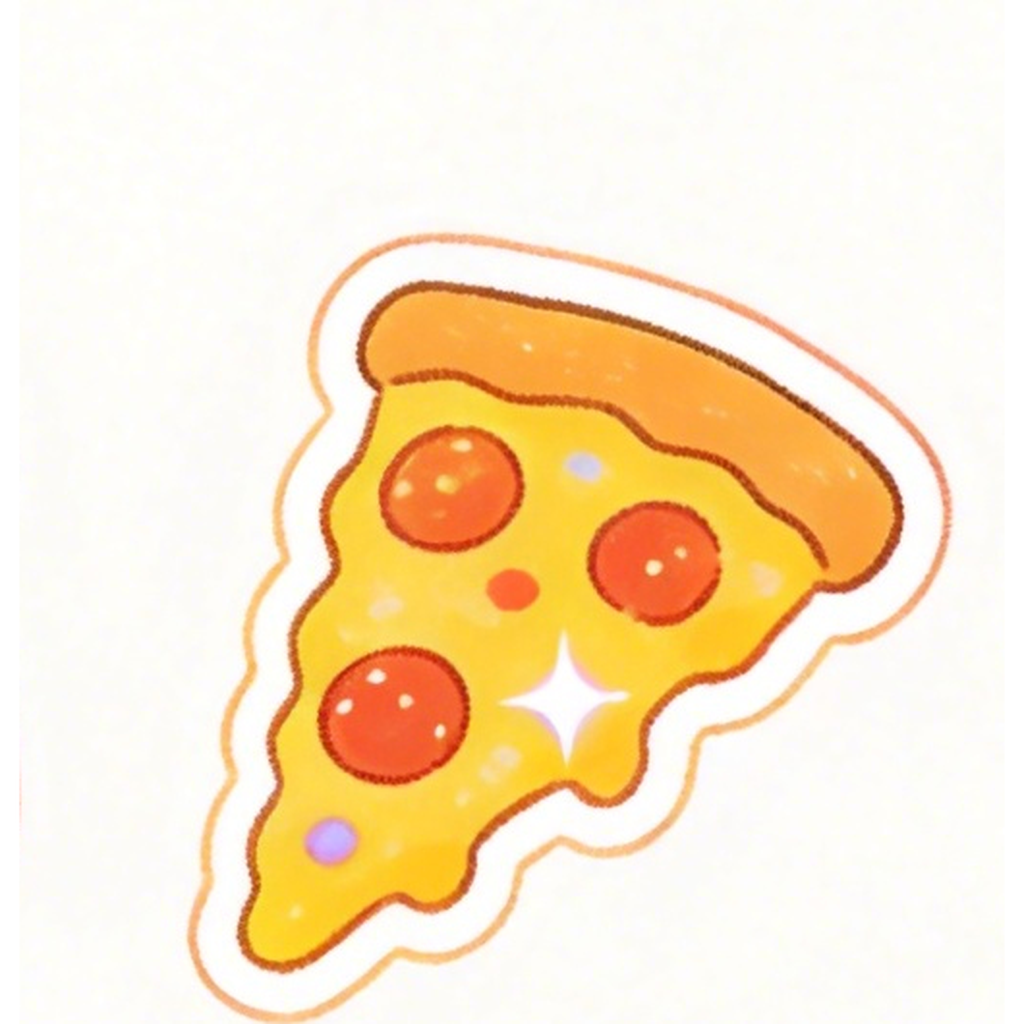
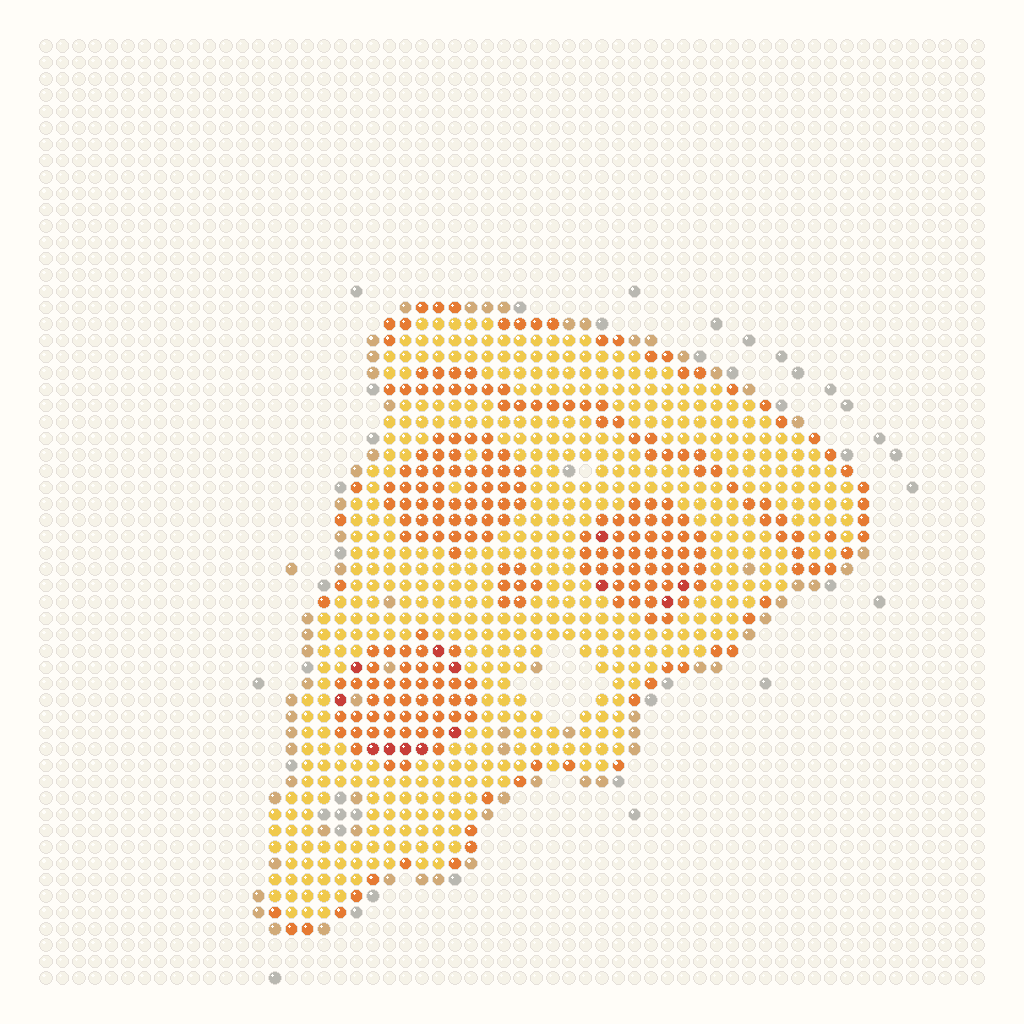
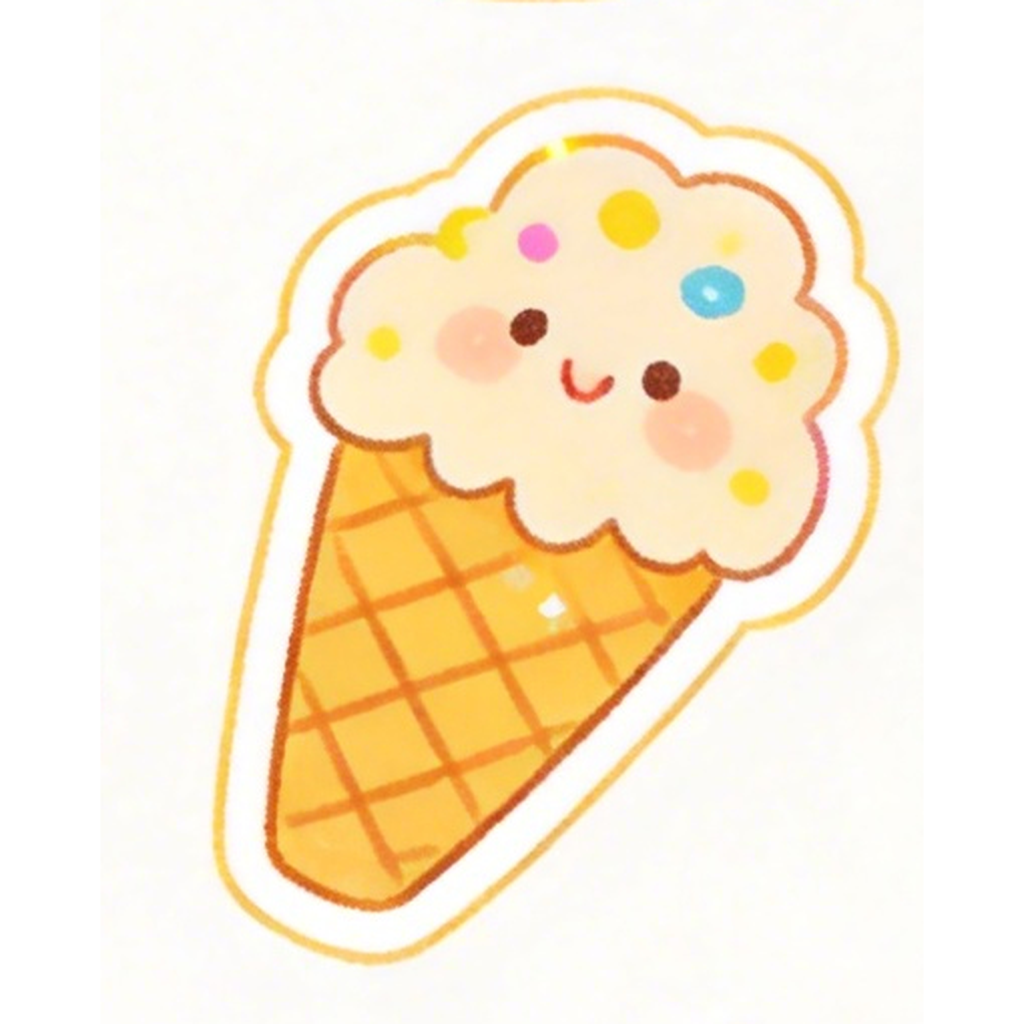
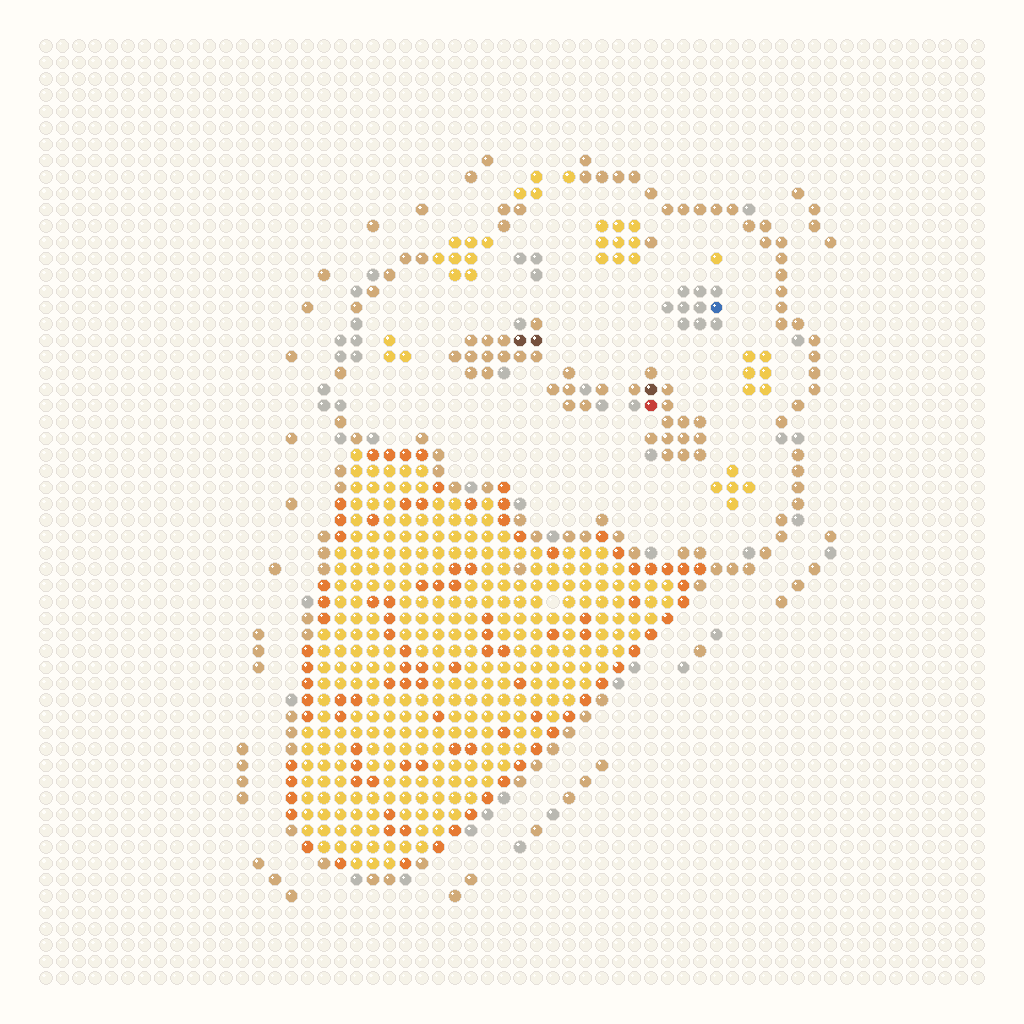
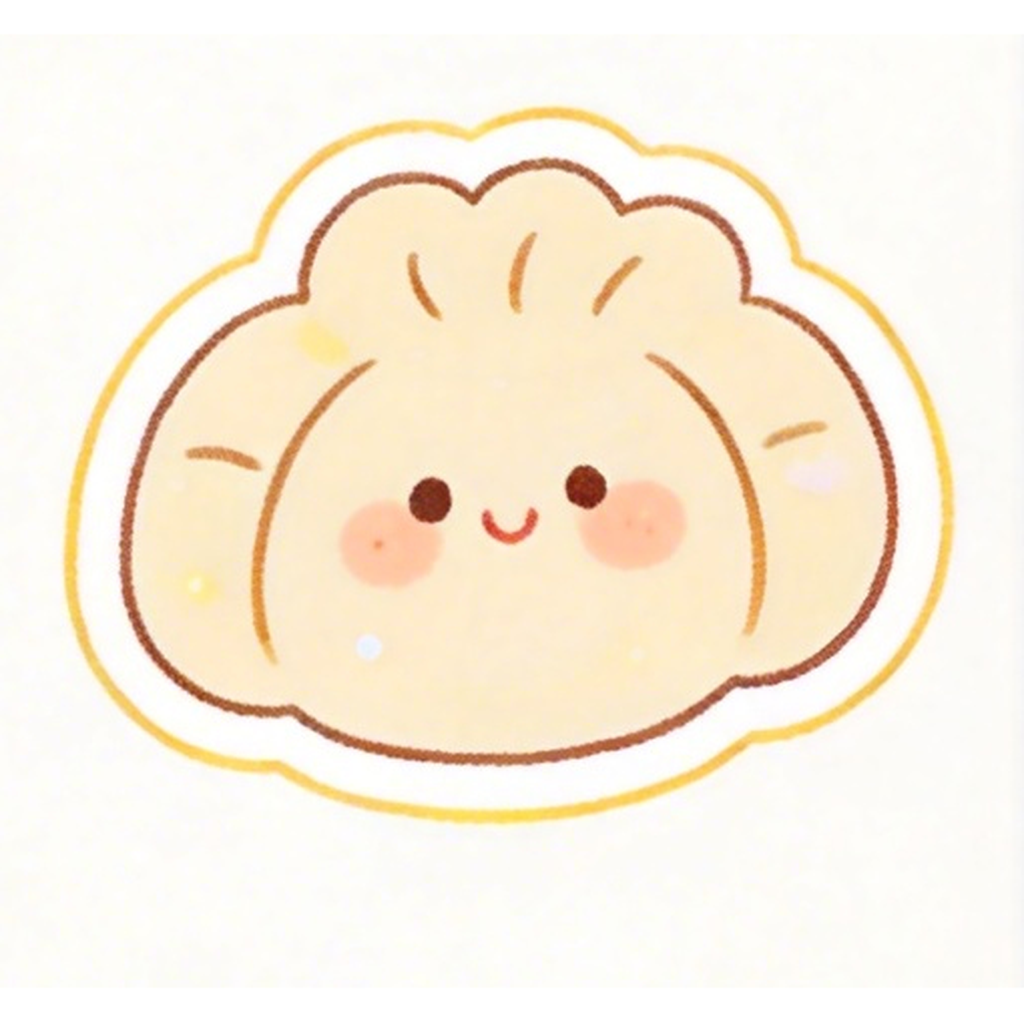
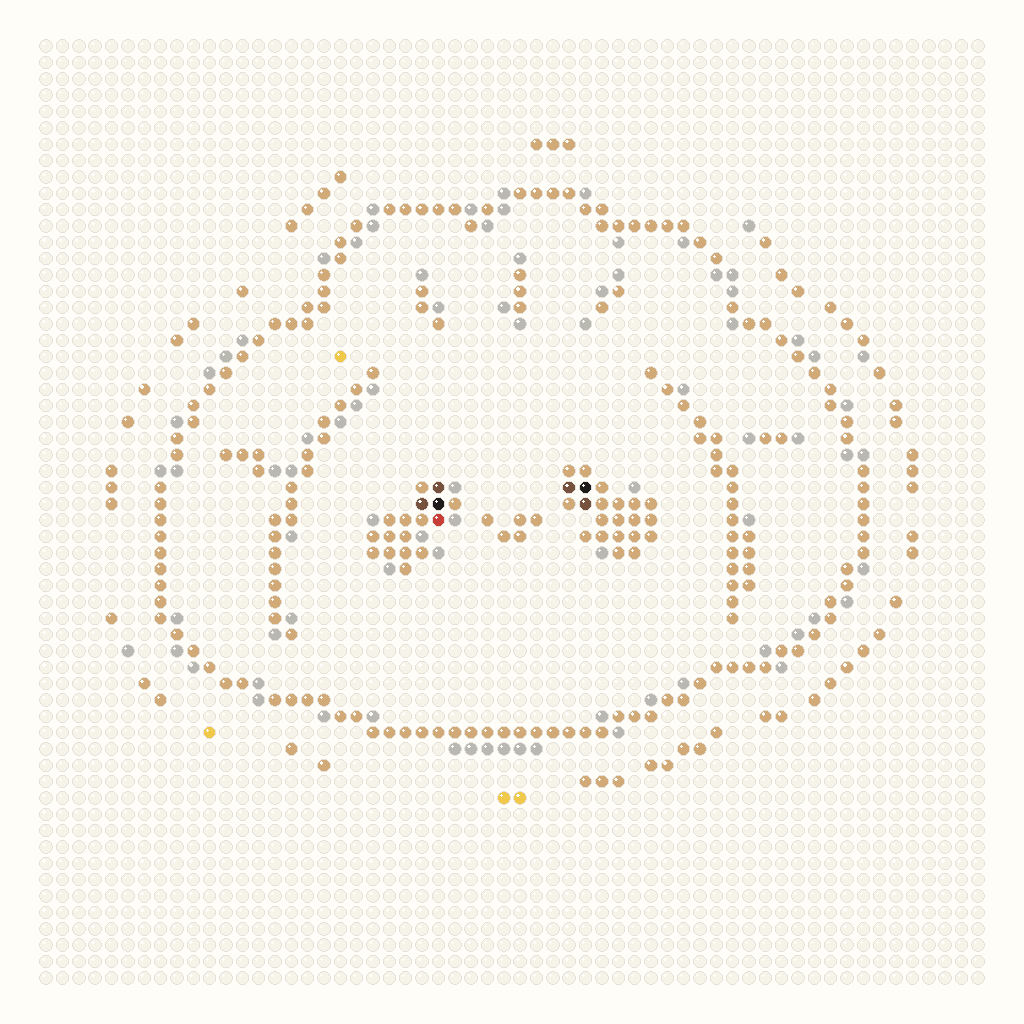
These are the 8 selected homepage examples. The left side keeps the source artwork; the right side is generated with the current 58 x 58 grid and 12-color starter palette.

OriginalBeads
Orange cat
OriginalBeads
Sheep
OriginalBeads
Headphones
OriginalBeads
Watermelon
OriginalBeads
Broccoli
OriginalBeads
Pizza
OriginalBeads
Ice cream
OriginalBeads
Baozi

Examples and outputs

Make a pattern you can actually build.

The homepage tool focuses on the practical path: upload an image, generate a bead grid, check material counts, and export a CSV that opens cleanly in spreadsheet tools.

Buildable grid preview

Preview the converted bead grid before you start making the project, with each cell tied to a stable color entry.

Material counts

See how many beads each color needs so you can plan a wall piece, gift, keychain, classroom craft, or decor project.

CSV export

Download a UTF-8 CSV material list now. Printable PDF, SVG, JSON, and project backups can follow the same result model.

Pattern examples next

The pattern library stays lightweight until enough original, reviewed designs are ready for a proper free pattern collection.

How it works

How image to Perler beads conversion works.

The converter samples your image into a grid, matches each sampled color to the selected bead palette, then builds the preview and material list from the same result model.

Sample to grid

The image is drawn into a bounded canvas at the target row and column count, then each cell is sampled once.

Map to palette

Each sampled color is matched to the selected bead palette and stored by stable color ID, not by UI array position.

Keep the result predictable

The first slice exposes deterministic behavior. Detail masks, smoothing, and cleanup can be added behind the same result model.

Export from one model

Preview, statistics, and CSV all read from the same RuntimeGrid and PatternStatistics objects.

Questions

What is in the first build?

This first implementation is intentionally focused on the privacy-safe core path.

Try the local bead studio with one image.

Start with a photo or simple illustration, then inspect the bead grid and download a material list.